


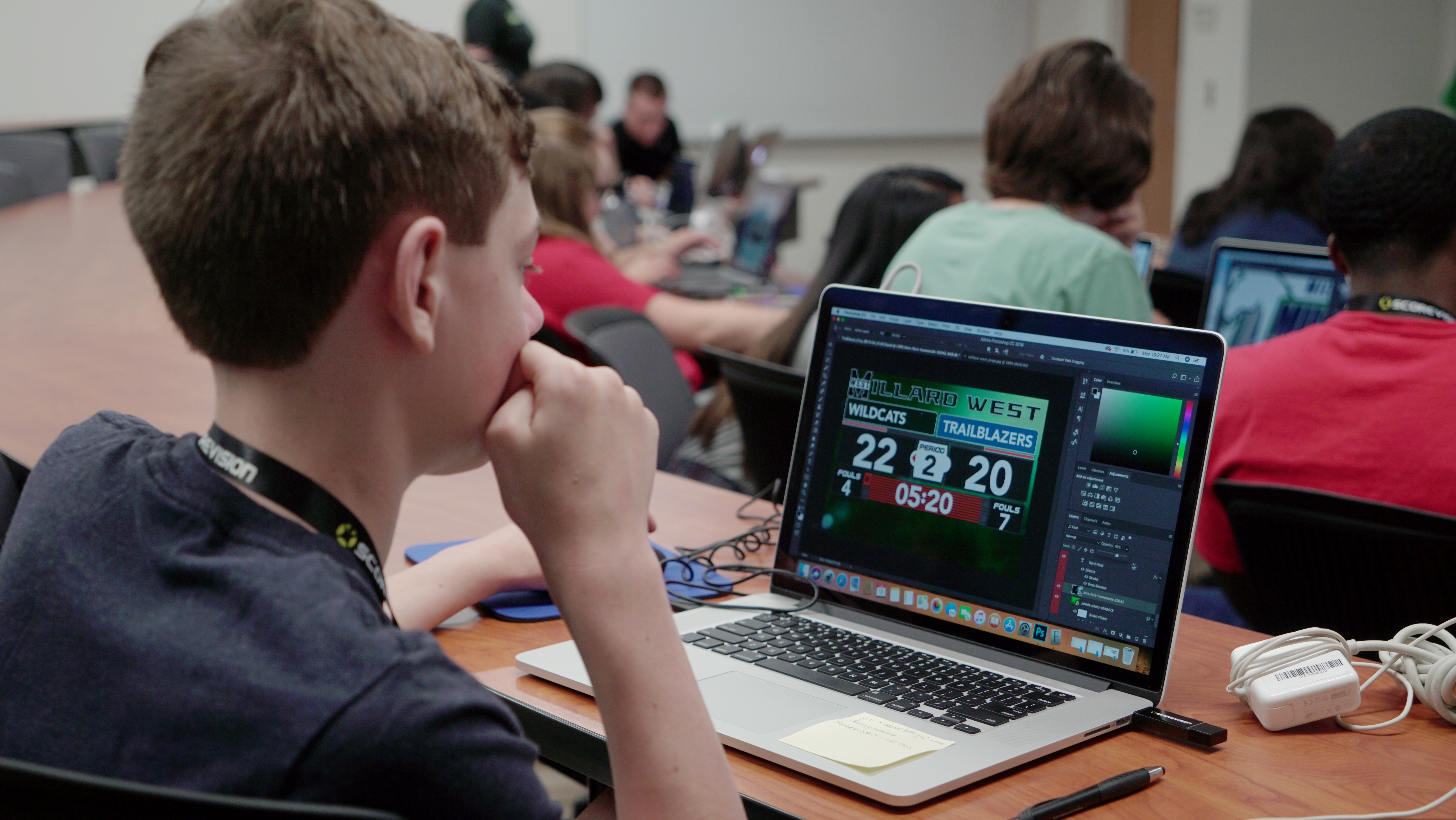
You bought a new digital scoreboard. Now what? The next step is to implement a new game-day process. Start with a weekly routine for creating content, assigning operators, and running the scoreboard. With staff supervision, you can involve students, and ScoreVision Academy gives teachers a program guide, learning labs, and templates to make it part of class.
Why Does a New Scoreboard Need a Production Plan?
Software and tools are great, but video scoreboards need content to impact the fan experience. Without a weekly plan, the scoreboards show the same default graphics season after season.
The workload is larger than most schools expect. ScoreVision’s sample game script lists about 40 timed cues between doors opening at 6:00 p.m. and dismissal. These include sponsor graphics, player profiles, a hype video, and halftime performances. Each cue needs a graphic, video, or audio file, plus someone to trigger it.
Building 40 cues every week is more than an athletic director can add on top of scheduling transportation, officials, and working with coaches. Your best bet is to find students in art, graphic design, technology, journalism, and marketing classes who already practice these skills. Then speak with teachers and provide resources to get them involved on game day. For ScoreVision customers, that’s ScoreVision Academy.
What Is ScoreVision Academy?
ScoreVision Academy is a set of teaching resources that helps students plan, prep, and run content on a scoreboard. It was built for ScoreVision customers with existing curriculum in mind—so teachers can use the resource as part of their current instructional plans. The Academy includes:
- A program guide that breaks game-day production into three phases: plan, prep, and perform.
- Learning labs that work as lesson plans for specific tasks, such as Graphic Design Learning Lab #LL002 for scoreboard backgrounds and ad graphics.
- Templates, including a weekly assignments checklist, a testing checklist, and a sample game script.
- Reference guides covering file specs, best practices, video production, and social media.
How Does Game Day Production Work? Breaking Down the 3 P’s
Game day production runs in three repeating phases: plan the content, prep and test it, then perform it live. Students cycle through all three before every home game.
Phase 1: Plan
Planning starts with the calendar. Talk with the student clubs that run theme nights, since a pink-out or senior night changes the graphics you need.
Next, students work through the Academy’s weekly considerations. These questions cover four areas: automated media, on-demand media, video and announcements, and game-time operations. Examples from the guide include:
- What should the scoreboard wrapper design be, and should it change each period?
- Are there new sponsor ads or school announcements to add to an ad sequence?
- Is the opposing team’s roster entered, and is their logo uploaded?
- Is the music playlist ready for pregame, game time, and halftime?
- Who will operate the Producer and Capture apps?
As students answer, they fill in the assignments checklist. Each line lists the item, the student responsible, the file type, a due date, and where the finished file goes. In the guide’s example, a student named Emma owns the pink-out wrapper for a Friday game, and her files are due the Tuesday before.
Phase 2: Prepare
Students prepare the content and the game script. All content should be assigned in the checklist. The learning labs and spec guides tell them what to make and which file format to export, such as a JPG for a next-game graphic or an MP4 for halftime trivia.
The other major prep task is the game script. A game script is a minute-by-minute schedule that lists each event, the content on the board, and the action from the PA announcer or performers.
Then students test everything using the Academy’s testing checklist:
- Two days before the game, create a duplicate game and upload rosters. Run the clock through pregame, a period break, and halftime to confirm each ad sequence plays. Score one basket for each team, then switch to the leaderboard to confirm player photos are correct. Save and close out the test game in the Scorekeeper App when finished.
- Two hours before the game, turn on the displays, load the game, confirm the correct teams are selected, and set the pregame clock. Then check that the Capture App is sending highlights to the Fan App and the live stream is reaching its destination.
Phase 3: Perform
On game night, students follow the game script cue by cue. Here is a portion of the Academy’s sample script:
- 6:00 p.m.: Doors open and the pregame cinema sequence starts.
- 6:15 p.m.: Three trivia clips play on the video scoreboard.
- 6:55 p.m.: A sponsor graphic appears while the PA announcer thanks event sponsors.
- 7:12:30 p.m.: The varsity hype video plays.
- 7:15 p.m.: Tip-off, and scorekeeping begins.
Halftime follows the same format. In 10 minutes, the script fits: dance team, a pep band performance, two sponsor shoutouts, and a sponsored crowd game.
What Roles Should Students Play on Game Day?
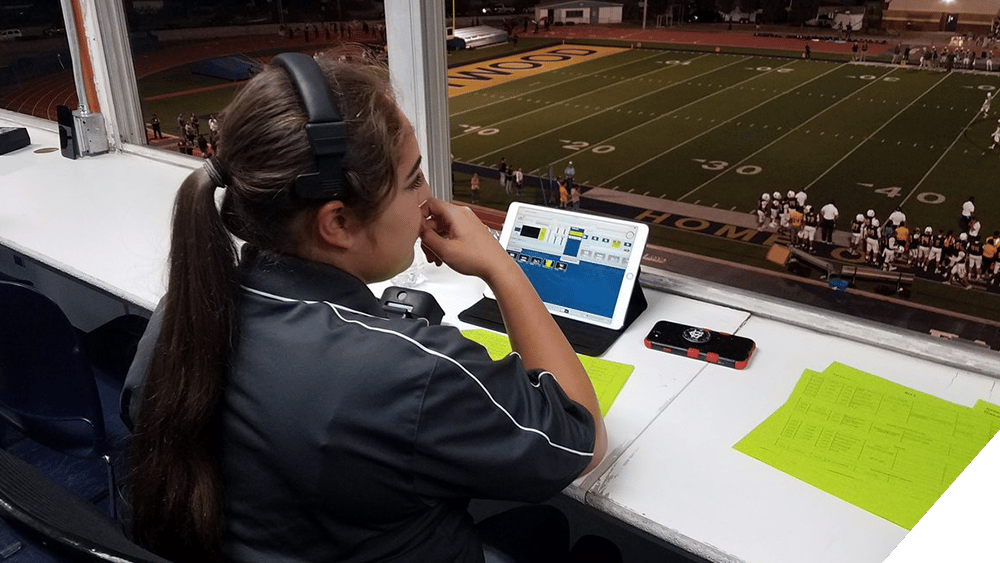
A home game can use up to six student roles, from producer to video feed operator. Smaller programs can combine roles, such as one student running both the Producer App and managing sponsors.
- Producer: Plays on-demand content such as player profiles, hype videos, and sponsor graphics.
- PA announcer: Reads sponsor mentions, starting lineups, and school announcements from a script.
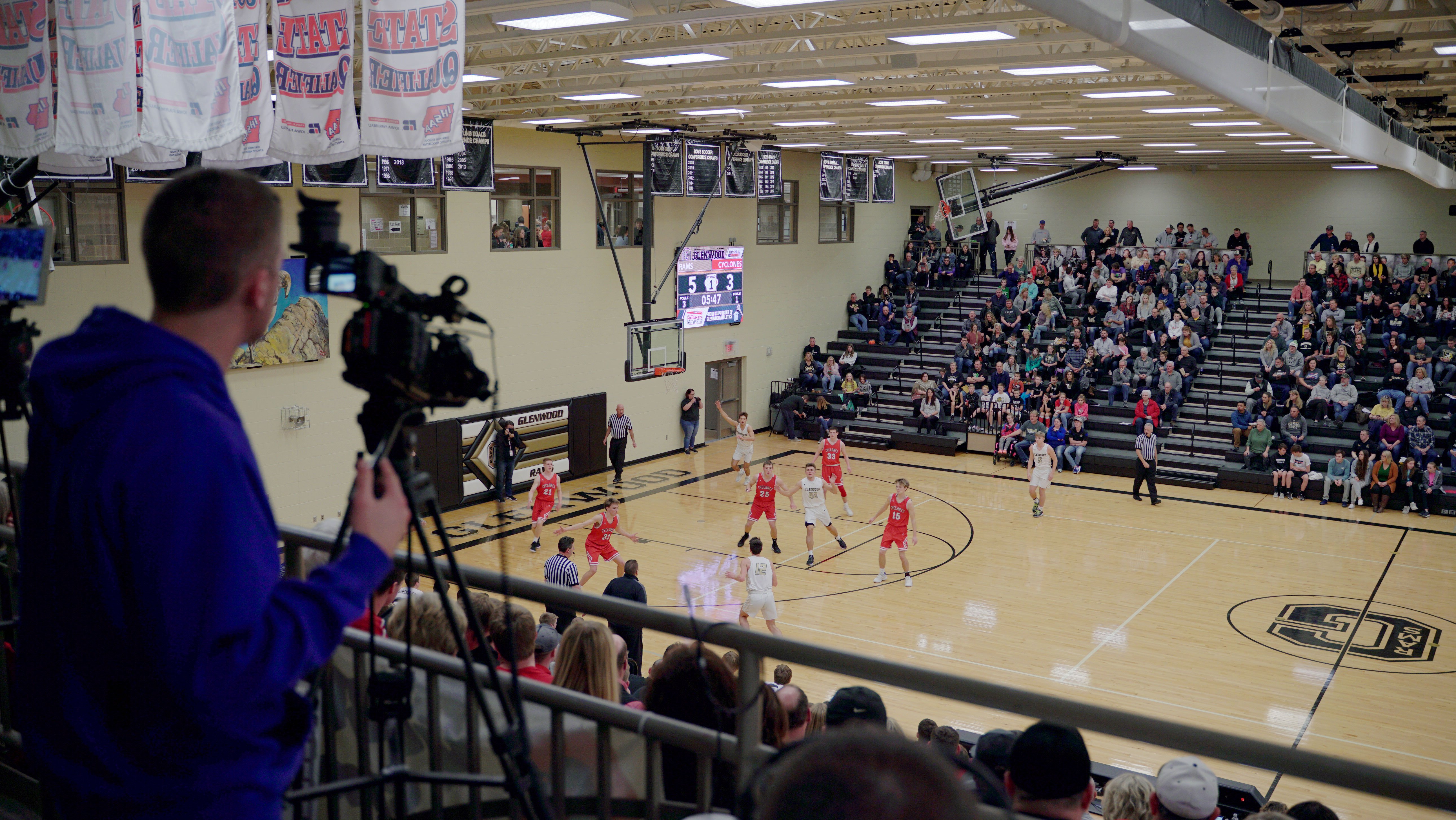
- Video & Highlights: Records highlights and player moments for the scoreboard, Fan App, and social media.
- Social media manager: Posts text-and-photo updates to the Fan App and the school’s social media accounts.
- Live stream operator: Starts, monitors, and stops the stream.
- Content creators: Design wrappers, ads, player profiles, and victory graphics before game night.
New operators often freeze the first time they run software in front of a crowd. The two-day test game gives each student a full rehearsal on the same tools before doors open.
How Does ScoreVision Academy Compare to a Certified Curriculum?
ScoreVision Academy is not a certified curriculum. It is a set of resources that plugs into whatever curriculum your district already uses. Teachers keep the course standards and grading they already have. The Academy provides a real-world use case with project deadlines.
FAQ About Student Game Day Production
Do students need design or video experience to start?
No. The learning labs are written as lesson plans, so a teacher can teach a skill, such as designing a scoreboard background, and assign it the same week. Students new to video can start with static JPG graphics and move to animated MP4 content later in the season.
How far ahead should students prepare for each game?
Start planning about one week before the game. In the Academy’s example for a Friday game, the first assignments are due Monday and Tuesday. Testing happens two days before, and a final systems check happens two hours before the event.
Does ScoreVision Academy work for sports other than basketball?
Yes. The sample game script uses basketball, but the planning questions apply to any sport on a ScoreVision display, including football, volleyball, and wrestling. Each sport needs its own wrapper, rosters, and period-break content.
Who should oversee the student production team?
One staff member, usually a teacher or the athletic director, should approve final content. In the Academy’s example, finished files go to a designated staff contact, who uploads them and assigns them to the correct sequence in the ScoreVision Cloud.