


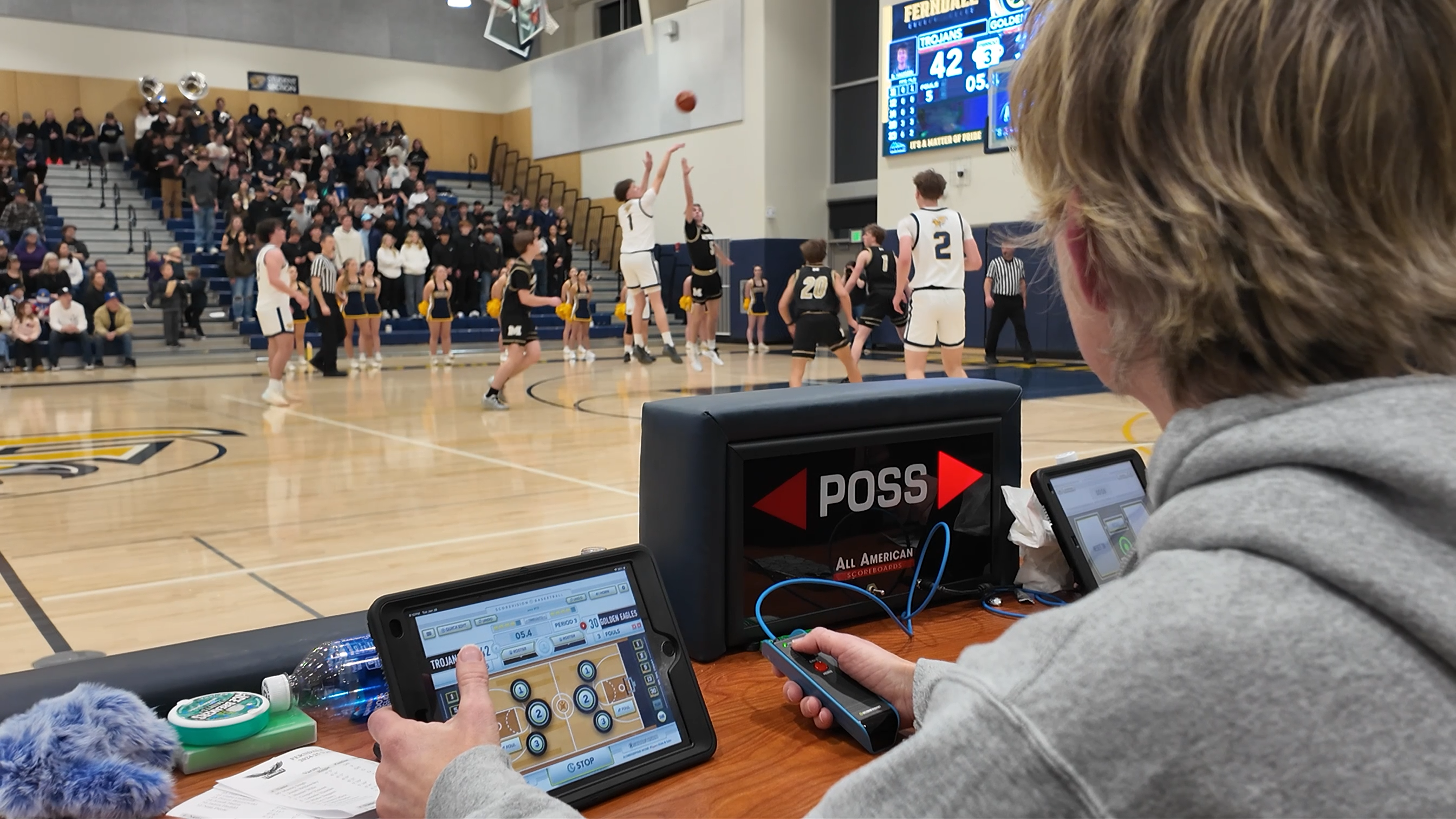
The staff or parents working at your scorer's table haven't touched scorekeepers since last winter. Scorekeeping is one of the most important roles assigned to volunteers, and it's also where game night can go sideways. This guide covers why your scoreboard is hard for volunteers to run, what makes it easier, and how to prepare for volunteers that change every week.
Why Is Running a Scoreboard Hard for Volunteers?
Running a scoreboard is hard because volunteers change often, the scorekeeping console is difficult and confusing, and every mistake happens in front of a live audience. It's a lot of pressure on paid staff and volunteers.
Your Volunteer Crew Changes Every Week
Most programs don't have a dedicated scoreboard operator for every game. Even if you do, it can be stressful when one game overlaps with another. So you fill the scorer's table or the press box with students, staff, and volunteer parents—anyone available and willing.
That means whoever runs the game tonight may not run it again for a while. But it also needs to be easier to train and use. "Parents are busy. They want to sit down and learn something in four minutes," said Pete Cecil, President of North Shore Ice Arena in Illinois.
Traditional Controllers are for Dedicated Operators
Fixed-digit scoreboards usually run from a hardware console. Daktronics calls its All Sport 5000 the most common control console. It selects each sport with a numeric sport code and a sport-specific keypad insert, plus menus, a number keypad, and separate clock controls. Nevco's MPC controller asks the operator to enter a model code at startup. The same controller runs more than 500 scoreboard model variations.
"With traditional boards, only a few people knew the in-game ops," said Emily Hough, Event Producer at Denver High School in Iowa. When those few people can't make it, you have a staffing problem. The solution offered is to train more people, but everyone works full-time and may not be available for training or practice.
There's Rarely Time to Practice
Coach & Athletic Director wrote an article recommending that new scorekeeper volunteers get instruction and several practice sessions before working a real game. That's good advice. But it's difficult to get schedules to align. Most of your scorekeepers are staff volunteers who teach at different times during the day. That means they'll likely use the controller for the first time during a quick crash course right before the game.
What Makes Volunteer Scorekeeping Easier?
Finding volunteer-friendly scoring software makes a big difference. Switching to an app-based scoreboard controller lets volunteers use a familiar device, and if the app is user-friendly and intuitive, it requires less training. We live in a digital era! No one needs training to use Instagram; they already know how because its interface is simple and self-explanatory. The same can be true for scoring apps; you just have to find the right one.
Sport-Specific Apps, Not Generic Keypads with Overlays
A generic keypad requires the operator to insert overlays and remember what each button does for each sport. Scoring apps like ScoreVision give your scorekeeper a clear, concise interface that looks exactly like the sport each time they open it.
"Old systems needed multiple button sequences to record a score or foul. With ScoreVision, more volunteers can help because it's intuitive," said Hough.
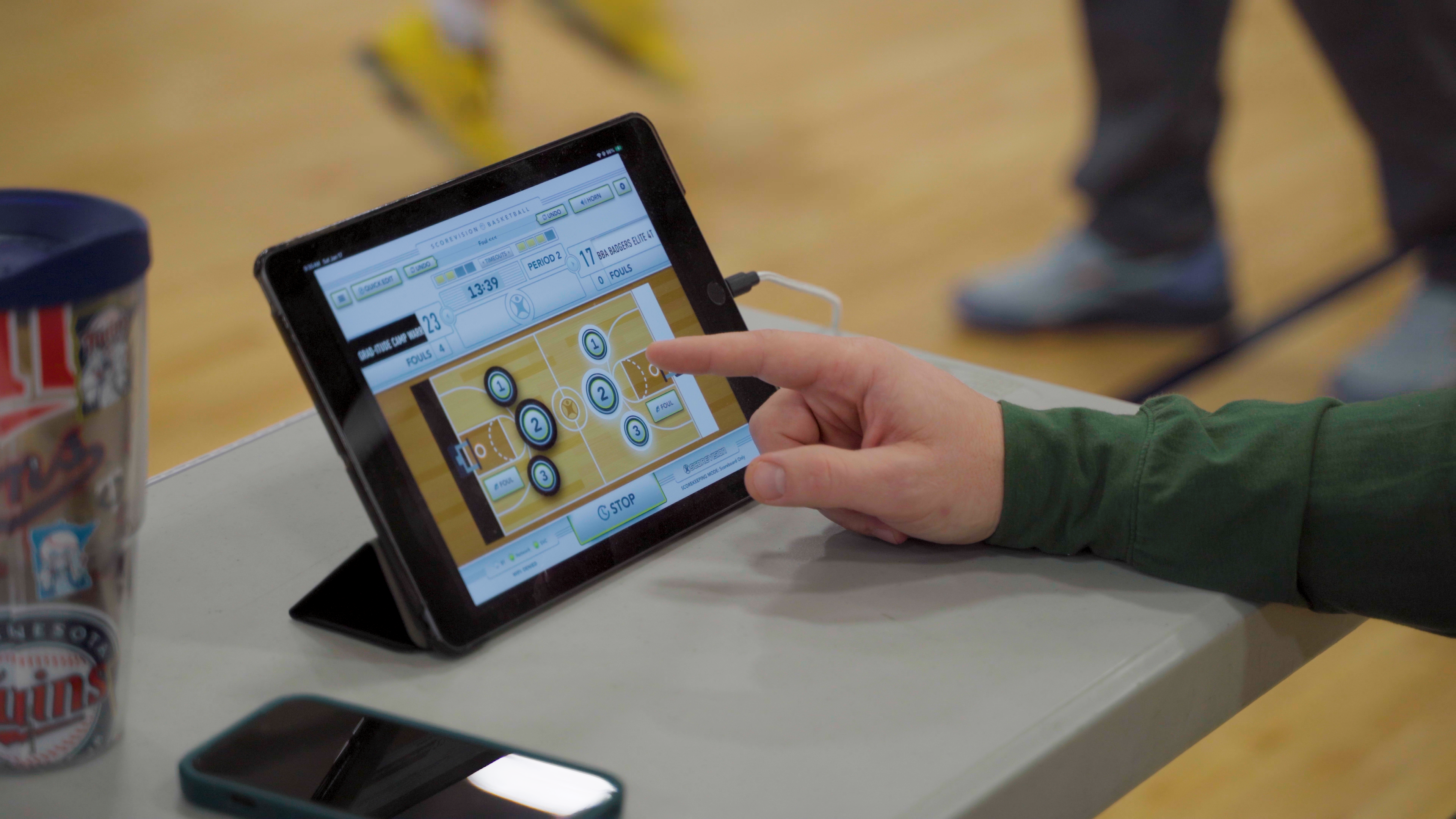
ScoreVision’s Scorekeeper Apps run on Apple and Android devices, with sport-specific buttons that make scoring actions easy to find. In basketball, the app provides 1-point, 2-point, and 3-point buttons for each team. The buttons sit over a court graphic and are highlighted in the corresponding team’s color, so volunteers can quickly see which team they’re adding points to. These visual cues help volunteers connect what’s happening in the game to the right button, with less to memorize as they score.
Rules the Apps Handle for You
Your volunteers may know the basics without remembering every rule. ScoreVision’s Scorekeeper Apps guide them with prompts when it’s time to take action. For example, in high school basketball, the app guides you through bonus fouls and overtime. It also prompts scorekeepers to advance to the next quarter, period, or set and set the clock according to the sport’s rules. Settings default to NFHS requirements, but you can adjust them for other leagues and teams in the app or in ScoreVision Cloud.
Games Set Up Before Your Volunteer Arrives
Take game setup off your volunteers’ pregame checklist by scheduling games in advance. ScoreVision Cloud connects to the Scorekeeper Apps, so you can import your season’s schedule, teams, and rosters ahead of time. The games then appear in the apps, ready for volunteers to open and start scoring when they arrive at the table.
Plans change? You can still create a game on the fly using teams already in your account or adding new ones.
A Quick Fix for the Wrong Button
Even experienced scorekeepers sometimes hit the wrong button. ScoreVision’s Scorekeeper Apps include undo and quick-edit tools to make corrections straightforward. Volunteers can use undo to reverse the last action or quick edit to reset the clock, change the period, or remove an incorrect entry. That gives them a clear way to fix a mistake and get back to scoring.
What Schools Learned in Their First Few Games with ScoreVision
ScoreVision has a short learning curve, but volunteers still need time to get comfortable. Using the production software alongside the Scorekeeper Apps adds more to learn than scoring alone, so plan for extra practice. At Brentwood Academy in Tennessee, Chad LeGate found that older volunteers benefited from a slower walkthrough at first. "After 5 or 6 uses, we're in a better place than day one," he said.
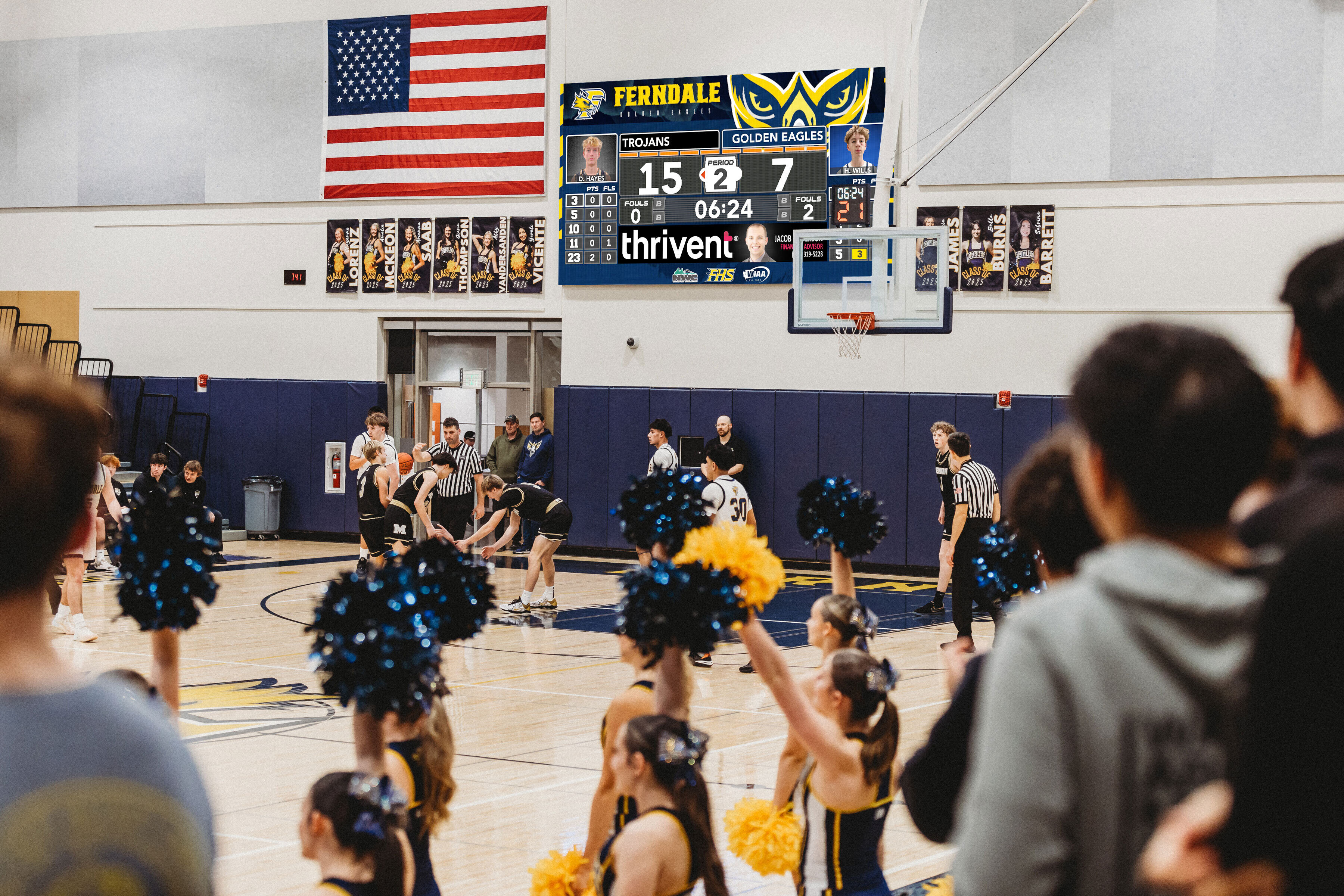
Other schools found that parents and students picked up scoring quickly. At Lipscomb Academy in Tennessee, Athletic Director Jake House said, "The scoreboard itself is super easy to use. Even our parents can operate the ScoreKeeper app."
Ryan Reeder, Director of Operations at Kinetic Sports Complex, described a similarly quick introduction: "You can explain to a complete stranger, probably within 30 seconds, how to use everything."
At Nikiski High School in Alaska, Dylan Hooper replaced an early-2000s wireless controller with ScoreVision and put high school students in charge of scoring middle school games. "I had high school students running that for my middle school programs, and they were able to do that with ease," he said.
Not every volunteer will learn at the same pace, and that’s okay. A little practice with easy-to-follow tools can help more parents, students, and staff feel ready to keep score.
Volunteer Scorekeeping FAQ
Can you run a gym scoreboard from an iPad?
Yes. The ScoreVision apps run on Apple and Android devices, including iPads, and send the score to your scoreboard display. ScoreVision Cloud manages teams, rosters, and games.
How many people do you need at the scorer's table?
Most basketball games need a scorer and a timer, and the NFHS publishes separate guidance for each role. Some schools add an announcer or a production operator for bigger events. But you do not need a full production staff. The producer app is easy to use and can be done with one person.
What happens if the clock operator makes a mistake?
Officials correct timing errors during the game, and the NFHS added clock-error guidance for 2026-27. On the scoring side, ScoreVision's quick edit and undo tools let your scorekeeper fix a wrong entry fast.
Can students run the scoreboard?
Yes. Plenty of schools put students at the scorer's table and in the press box. At Nikiski High School, high school students run the scoreboard for middle school games. Most of the time, students use the Producer App while a parent or staff member runs the scoring app.